How to Set Up or Edit Your Profile
Instructions:
- Click on the Login To MY NARUC button

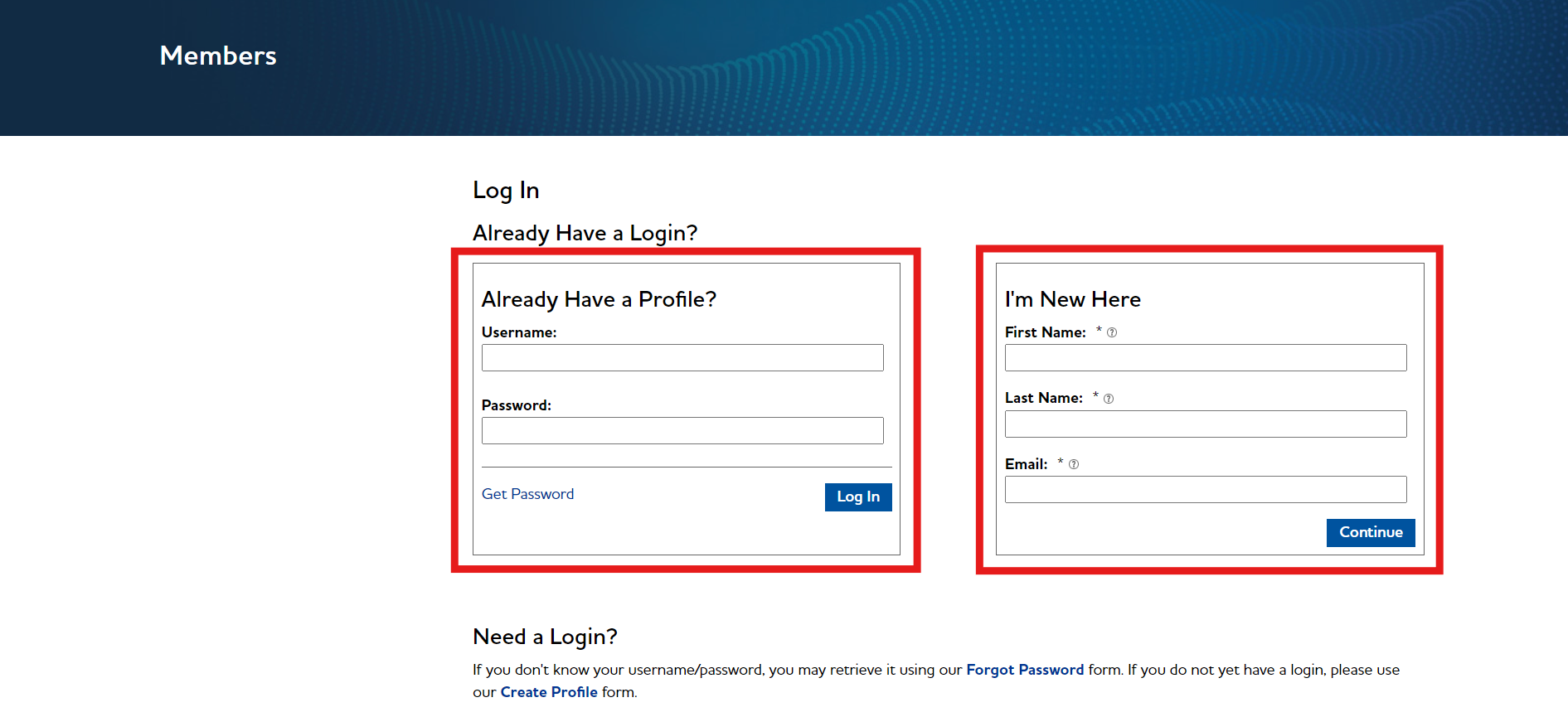
- First check to see if we already have a profile for you by filling out “Already Have a Profile?” If unsuccessful, please fill out the ‘I’m New Here’ section.
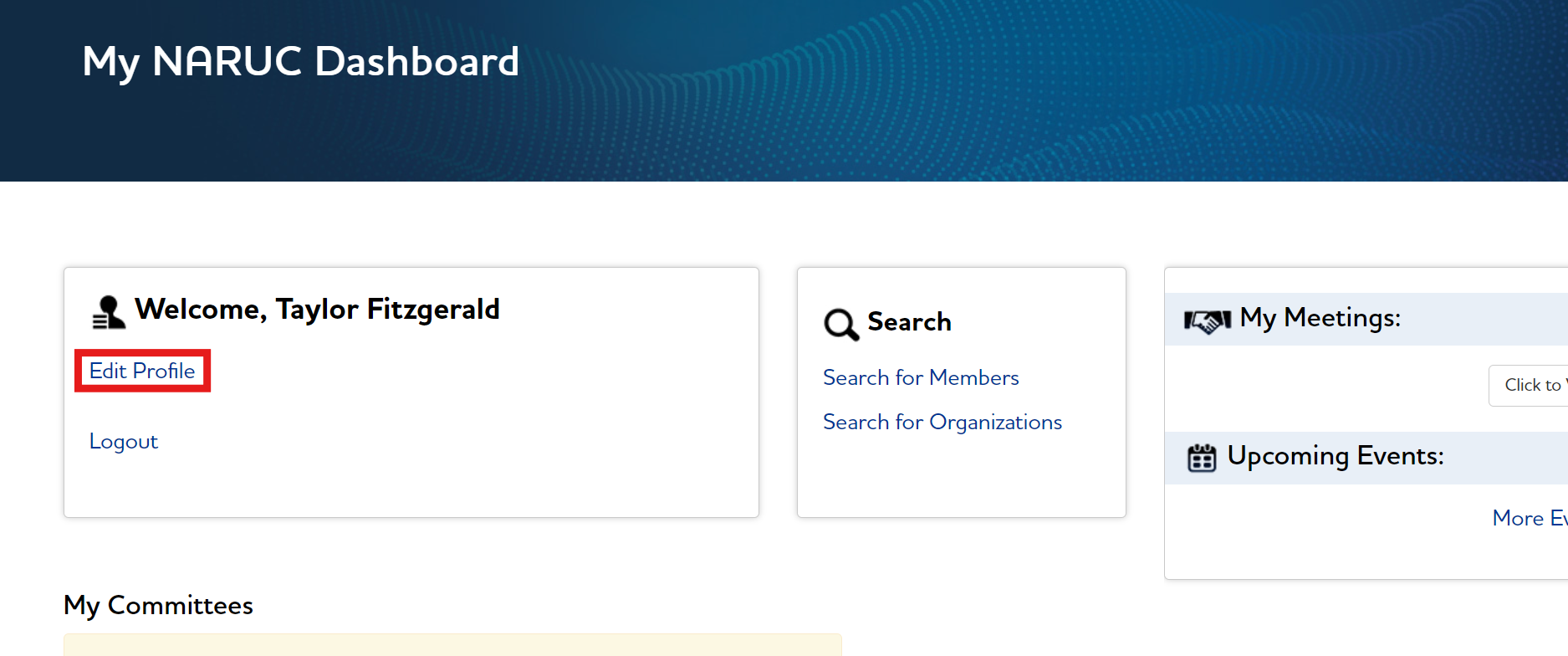
- Once logged in, you should see your NARUC dashboard. Click ‘Edit Profile’ on the dashboard.
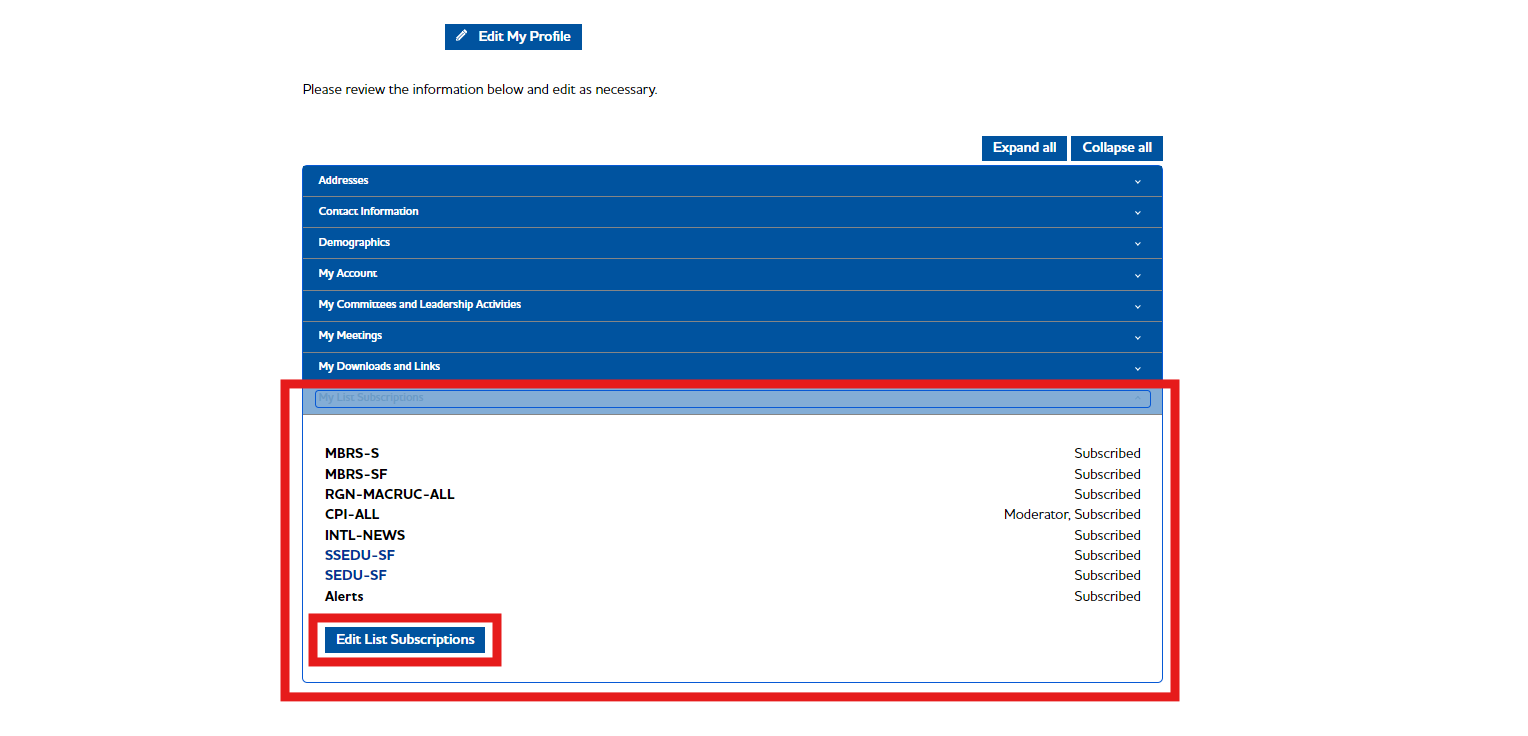
- To edit your subscriptions, click on My Subscriptions.
- Click on Edit List Subscriptions.
- Make your changes, then scroll to the bottom and click on Save Changes.